Arrange in game
Drag your widgets into place with F10 and save a layout for every session.

Free: 30 live widgets and your own race dashboard, right on top of the game.
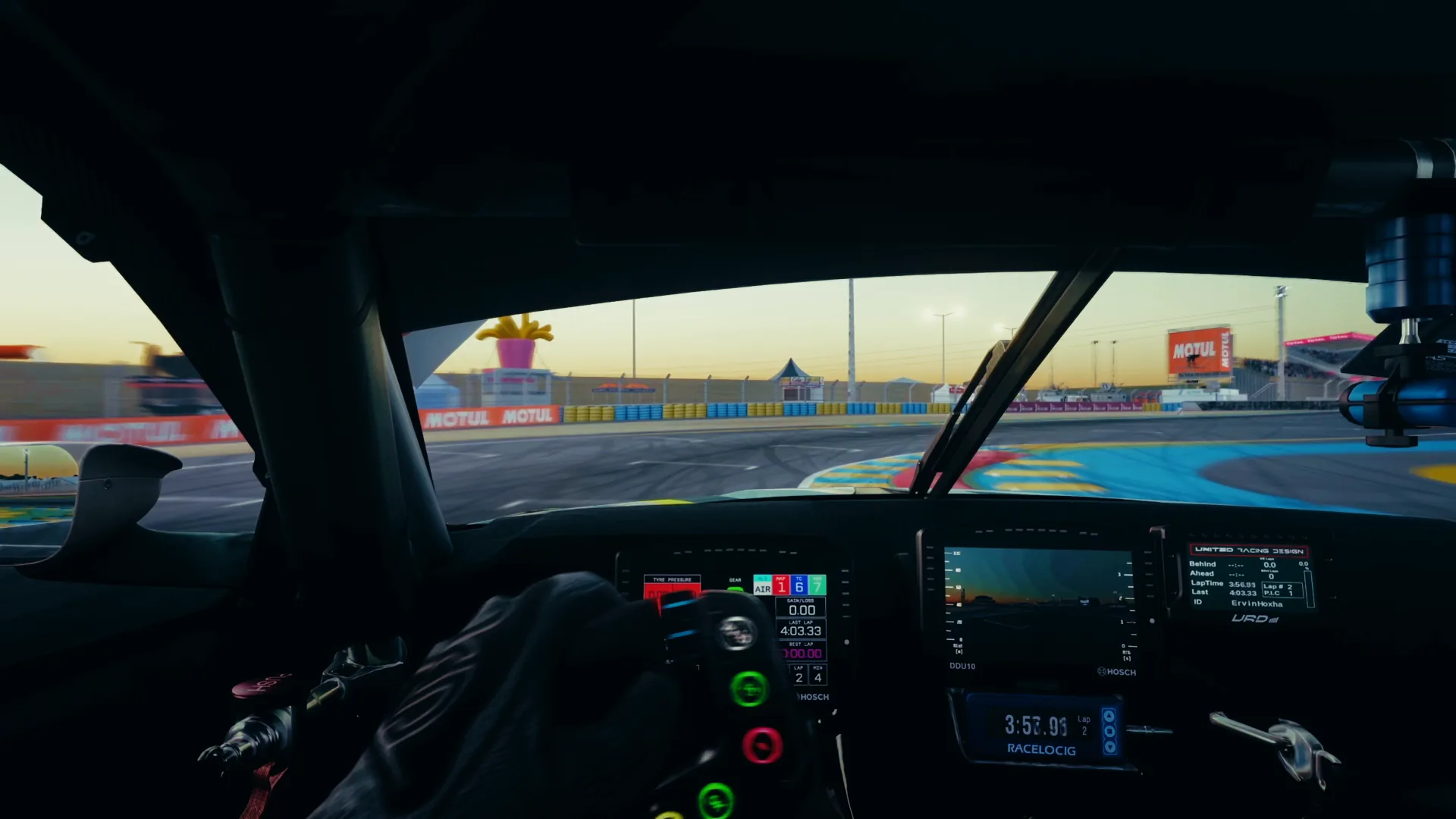

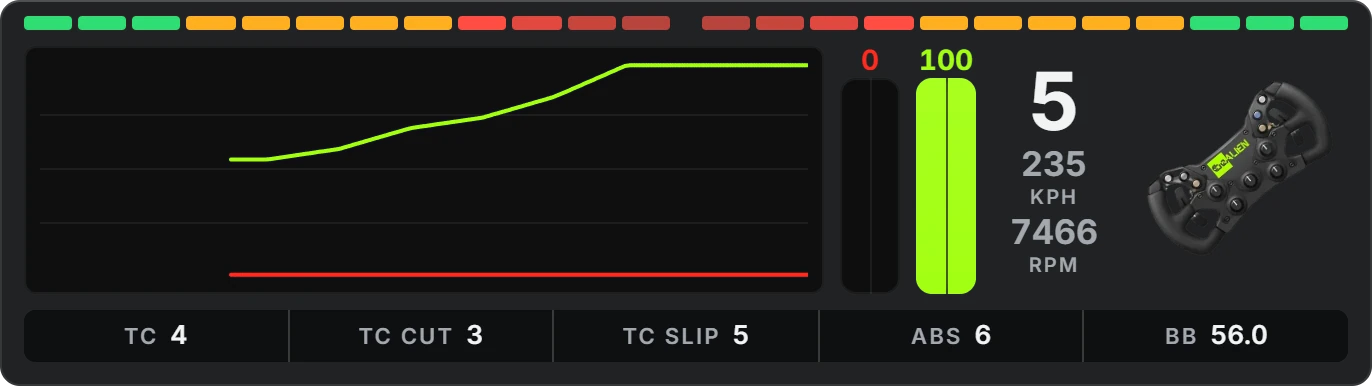
On a PC you can switch widgets on and off here and arrange them yourself.

All 30 current widgets and the race dashboard are free in the beApp. A subscription unlocks extra features.
Race Dashboard
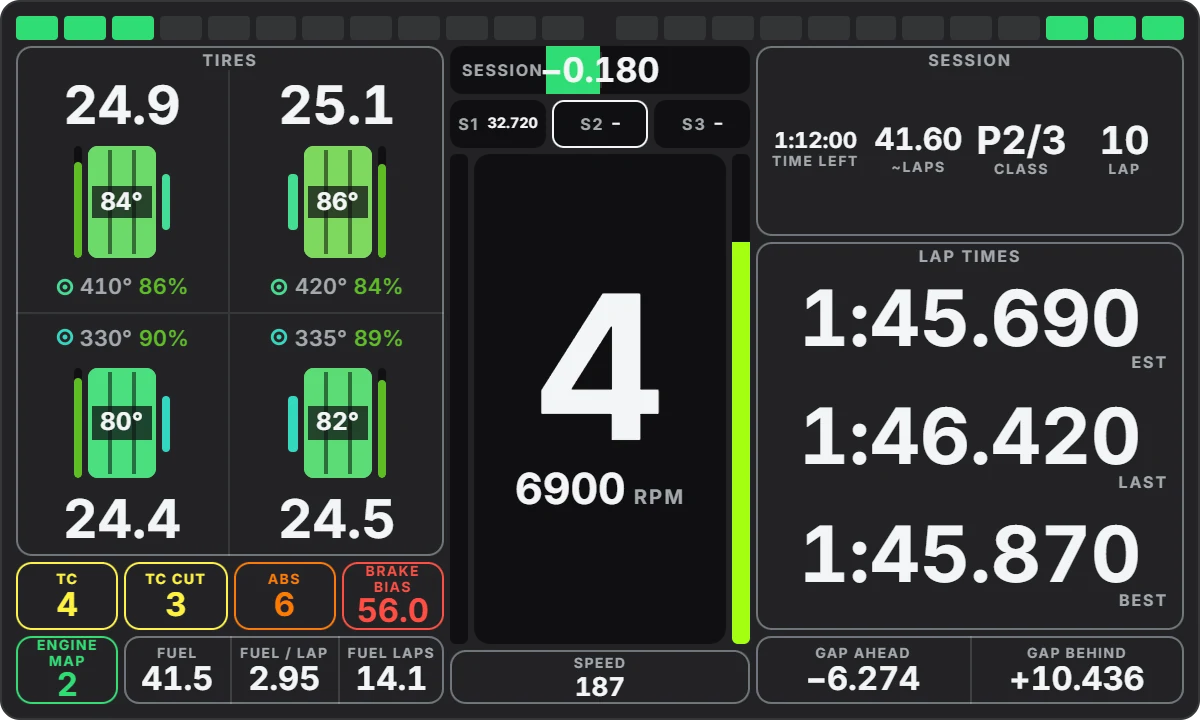
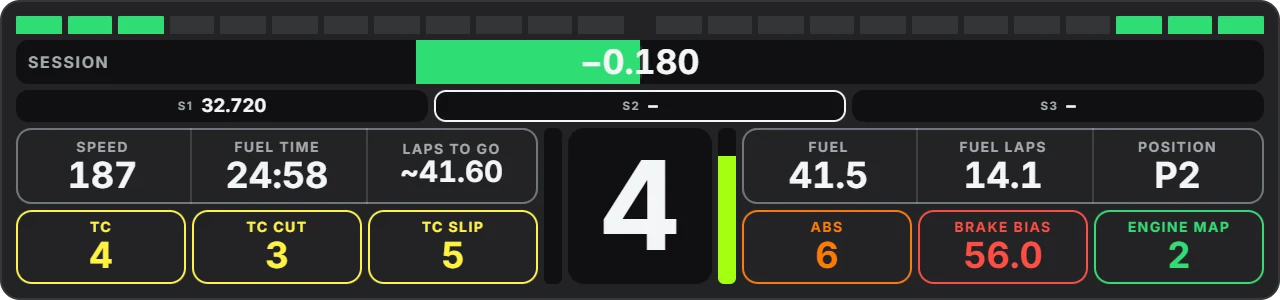
76 modules, four formats and a free grid, on your monitor or on your wheel. Watch it build itself.
One dashboard with one page is included. With be+ up to 20 dashboards with three pages each, with be+ ultimate five.
The same dashboard runs on your wheel display, without rebuilding anything in SimHub.
In the beApp's editor, just like above.
The beApp creates your dashboard straight in SimHub.
Each page becomes a SimHub screen. Each display gets its own dashboard at its own resolution, one is included, up to three with be+.
Delta
Live against your best, your last or your ideal lap. Switched with a wheel button, saved for every car on every track.
Your fastest lap stays saved for that car and track. If you have been there before, the delta runs straight away, without setting a lap first.
Best, Session, Last, Stint and Class. You choose which of them your button cycles through, and it can hide the delta altogether.
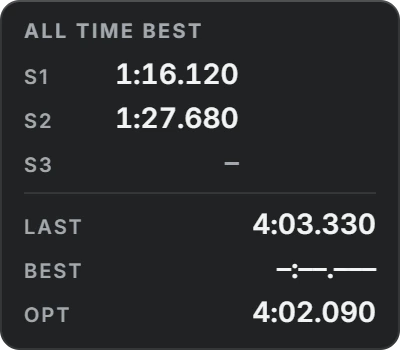
The companion widget shows your reference's sectors with your gap, plus Last, Best and Optimal at a glance.
Your fastest sectors join into a lap you have never driven like that. The delta measures you against it live. Every new best sector moves the target, so you are always chasing your own optimum.
Customizable Widgets
Every widget has the same menu, right on top of the running game. You see every change straight away.
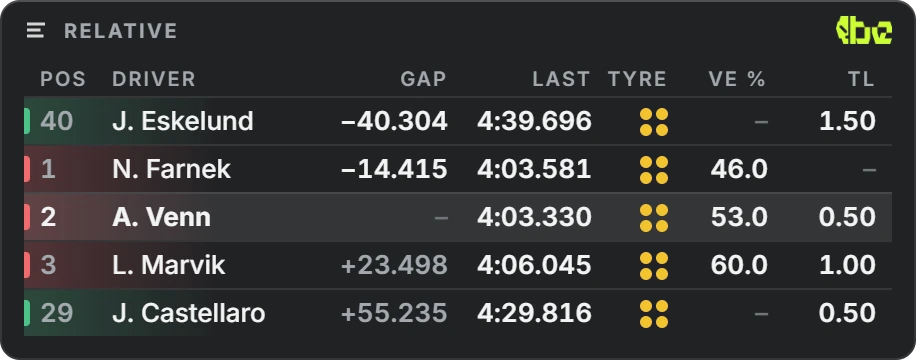
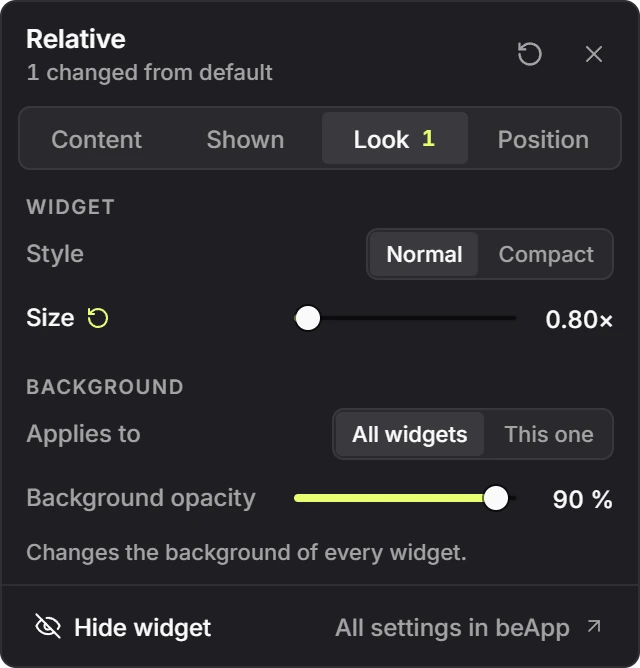
Make any widget bigger or smaller with a slider, to suit your monitor and seating position.
You set everything up right on top of the running game.
Drag your widgets into place with F10 and save a layout for every session.
Switch the delta and turn dashboard pages, each on a button of your choice.
Your own layouts for quali and race. With be+ also the presets of our affiliates.
Install it now, the overlays arrive as an update. By downloading you accept the EULA