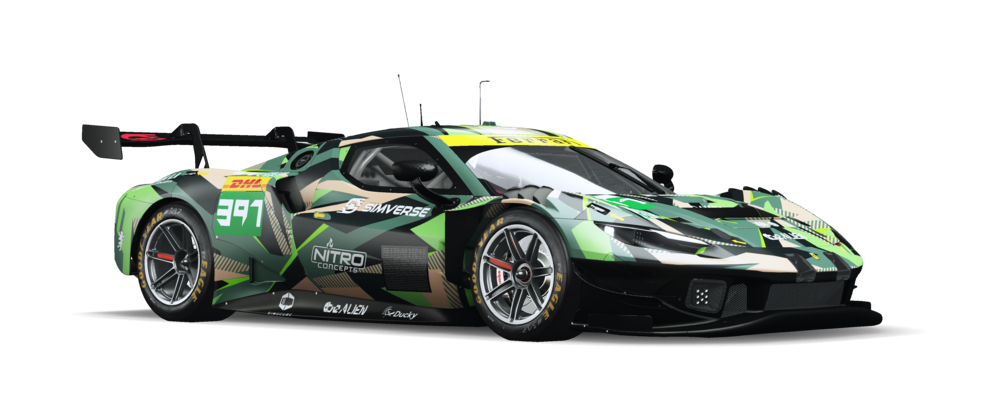
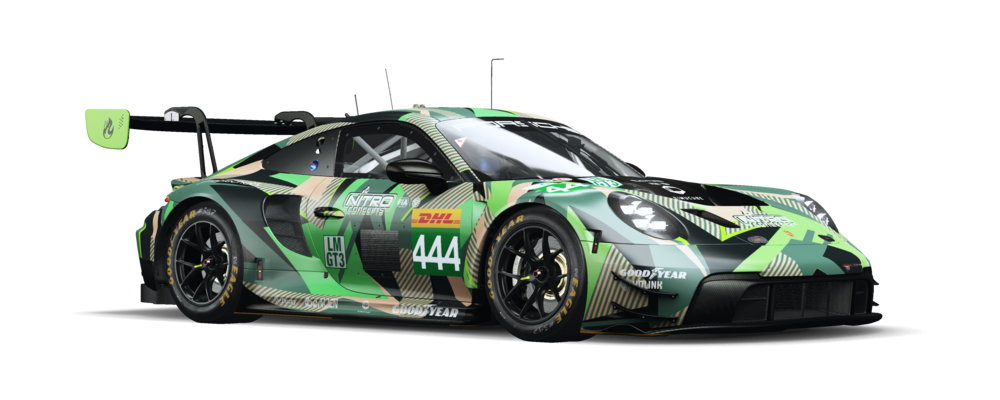
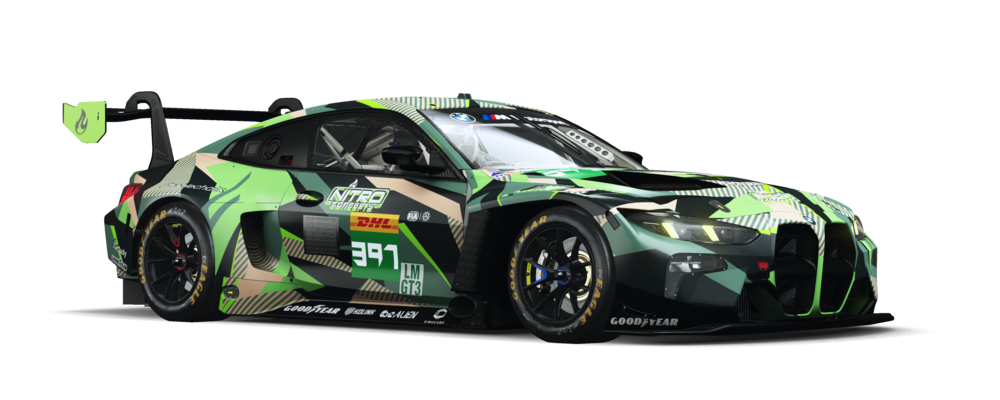
Switch on Auto Sync once. While the beApp runs, it checks your library in the background and installs new setups and new versions straight into your Le Mans Ultimate folder.
New bundles and new versions install on their own, at the interval you choose
Sync every bundle you own, or only the ones you pin
Pick the setup types you want, for example only Esports Quali and Race
Every file lands in the right track folder, ready in the garage
Never deletes your own setups, and keeps older versions unless you switch on cleanup
Runs in the tray while you drive and tells you what it installed
Prefer to decide yourself? Install or update single setups, or everything at once, with one click
beApp
—□✕
BundlesSetups
Search car or track...
0updates0new21installed
SyncAuto-Sync
Auto-Sync: 3 / 3
Ferrari 296 LMGT3Sebring
LMU•1.4.3•LMGT3Sub
6 / 6
bA2_296_SEB_E_Q_V2_0_0.svm
Esports Qualiv2.0.0• 1:59.987
bA2_296_SEB_E_R_V2_0_0.svm
Esports Racev2.0.0• 2:00.907
bA2_296_SEB_S_Q_V2_0_0.svm
Safe Qualiv2.0.0
bA2_296_SEB_S_R_V2_0_0.svm
Safe Racev2.0.0
bA2_296_SEB_W_Q_V2_0_0.svm
Wet Qualiv2.0.0
bA2_296_SEB_W_R_V2_0_0.svm
Wet Racev2.0.0
Porsche 992 LMGT3Le Mans
LMU•1.4.3•LMGT3Bought
6 / 6
BMW M4 LMGT3Monza
LMU•1.4.3•LMGT3Sub
6 / 6
Auto-Sync: 3 setups synced
Everything else for race day
Overlays, telemetry, lap times and the shop, in the same app.
Visor overlays
Coming soon
Live overlays and your own race dashboard
27 widgets on top of the game: delta, relative, fuel, tyres, input traces and more. Build a race dashboard, arrange everything in the game and keep a preset for every session.
Input Traces
Throttle and brake as a running graph, with gear and steering wheel.
1 / 11+16 more
Beta
Telemetry
Record your laps and compare them with the creator laps of your setups: delta, speed, throttle, brake and steering on a track map.
Lap times
Every car and track in one overview, with the lap times of our setups.
Update alerts
The beApp tells you when a setup is outdated, a new version is out or a game patch needs an update.
Shop and claims
Browse setups, buy bundles and redeem claims right in the app. New setups install straight away.
Up and running in three steps
1
Download and log in
Install the beApp and log in with your beAlien account.
2
Switch on Auto Sync
The beApp finds Le Mans Ultimate through Steam on its own. Switch on Auto Sync and every setup lands in the right folder.
3
Drive
Open Visor, press F10 in the game and place your overlays.
Coming next
What we are building for the beApp right now.
Coming soon
Live Timing
Follow a race live from anywhere: standings, track map and weather, straight from the car on track. Broadcast your own session and let your team watch along.
Questions about the beApp
Is the beApp free?
+−
Yes. The beApp and Visor are free to download. Setups come as single bundles or with a be+ subscription, which also adds affiliate presets and more race dashboards in Visor.
How does Auto Sync work?
+−
Switch it on once in the library. While the beApp runs, it checks at the interval you choose and installs new setups and new versions of the bundles you own or pinned. You can also install and update setups by hand at any time.
Does Auto Sync delete my own setups?
+−
No. Auto Sync only installs, it never deletes a file. Older versions stay in the folder unless you switch on cleanup in the settings.
Which sims does the beApp support?
+−
The beApp is built for Le Mans Ultimate. The setup installer, Visor and telemetry all work with it.
Does the beApp run on Mac or Linux?
+−
The beApp runs on Windows, the platform Le Mans Ultimate runs on.
Is telemetry finished?
+−
Telemetry is in Beta and still growing. Everything else in the beApp is released. Your feedback shapes what comes next.
How does the beApp stay up to date?
+−
The beApp updates itself and lets you know when a new version is ready.
Ready for your next session?
Download the beApp and let it take care of your setups and overlays.